Isola Group Inks Exclusive Distribution Deal with Israel’s Tech Knowledge.
Dec 12, 2016 – Isola is pleased to announce a distribution partnership with Tech Knowledge (Yeda Tech), headquartered in Tel Aviv, Israel, to deliver Isola products, making Tech Knowledge the exclusive distributor for Isola in the State of Israel. Founded…
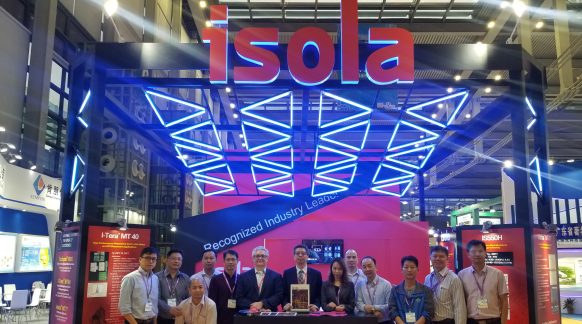
HKPCA 2018, Shenzhen, China, December 5 -7 – A Great Success!
The 2018 HKPCA & IPC Show held on 5-7 December 2018 in Shenzhen, China, themed as “Inspire the Industry. Explore the Infinity,” proved to be a great success for Isola. Here’s a picture of the Isola team at the Isola booth. The Isola…